Why we built MOVON
A short note from a colorist, a DP, and a director who got tired of fighting LUT folders. The origin story behind the AI color match for Premiere Pro.
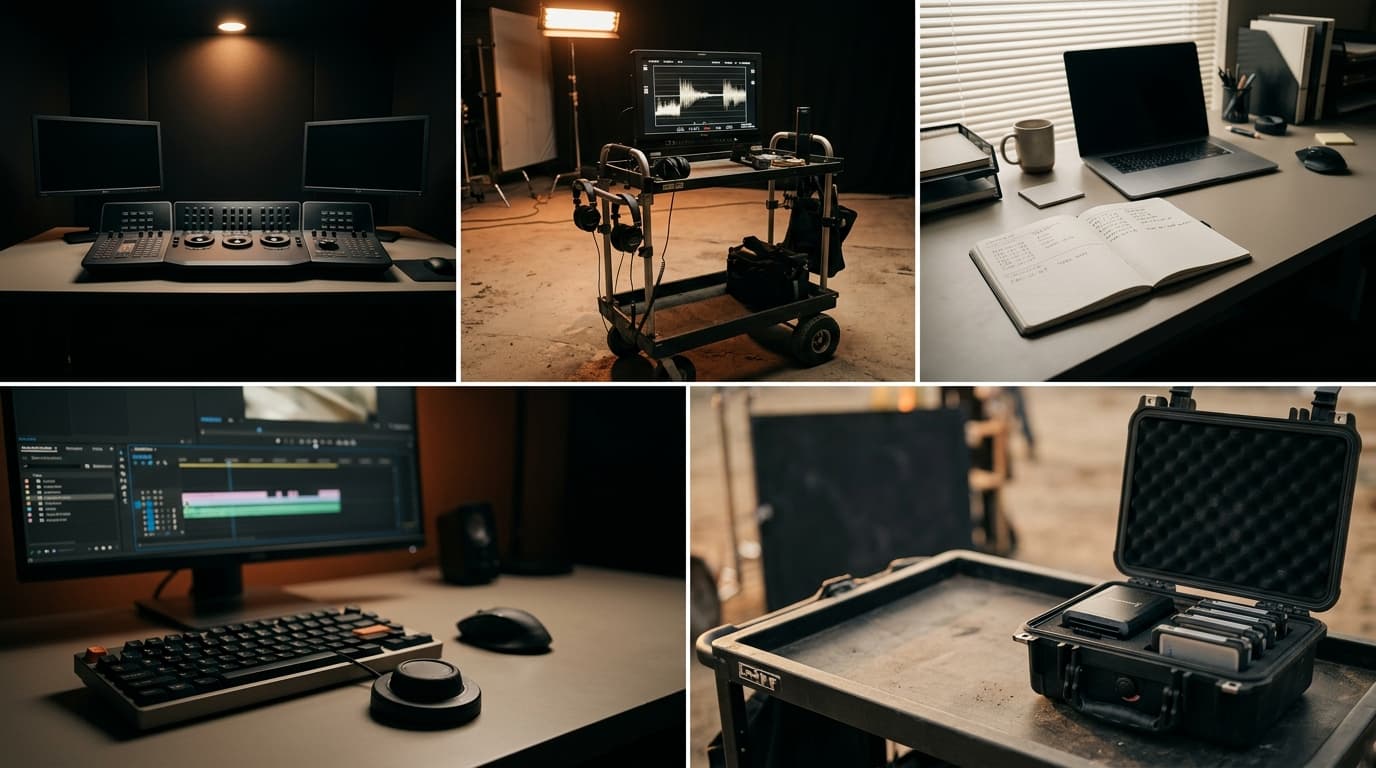
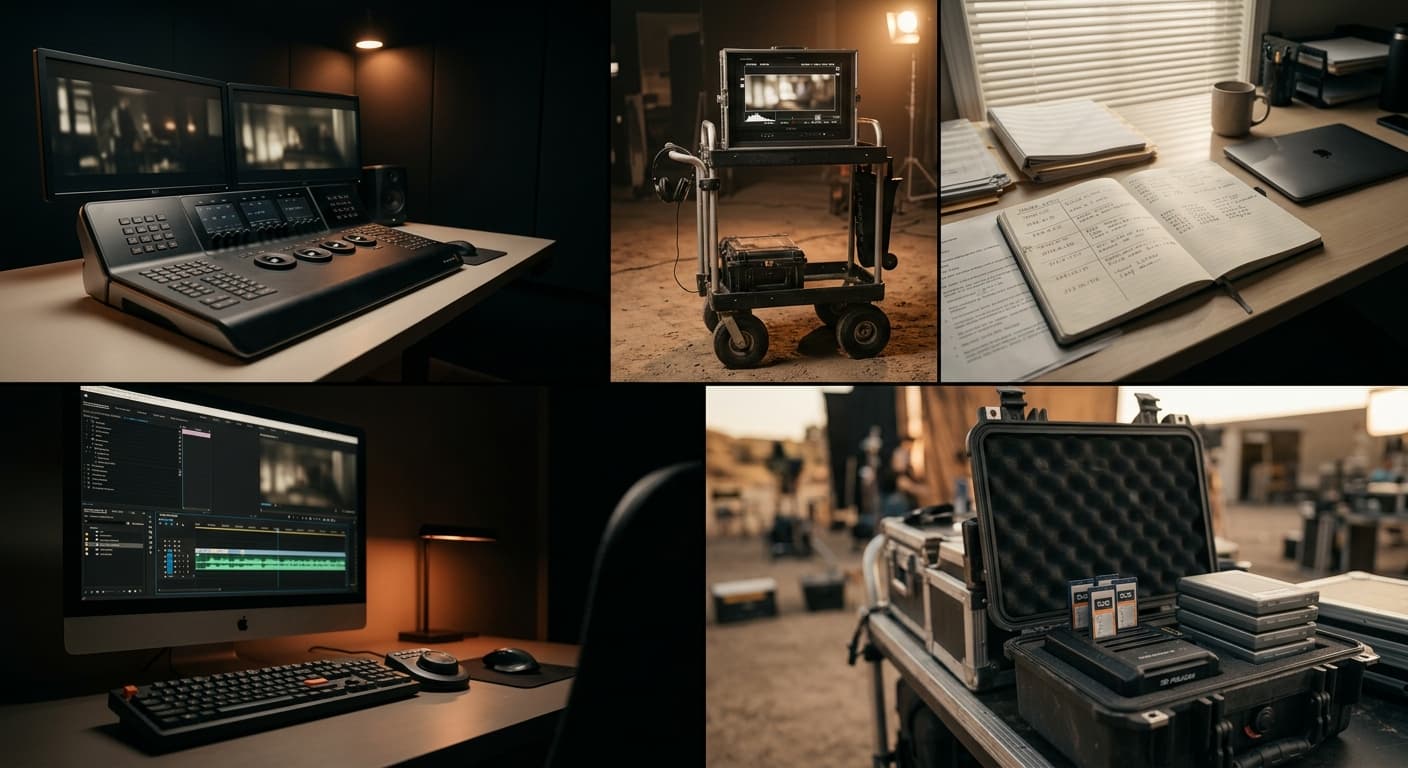
We started MOVON because every project ended the same way: a multicam timeline, every camera a slightly different look, one editor staring at a wall of LUTs at 2 AM.
The pitch is simple. Open the panel in Premiere, select your clips, pick one reference, and let MOVON match every selected clip to it. Edit.
That's it. That's the whole product.
What's actually different
There's no shortage of color tools. What we couldn't find was a tool that:
- Matches to one reference, in one pass. Select the clips, pick the reference (a timeline clip, a grade you already built, a film stock, or a still from your computer), and every selected clip gets matched to it. No clip-by-clip babysitting.
- Puts the match on the timeline itself. MOVON works out one grade per clip and applies it to your clips in the panel, as one undo step. There is an export too, for the case where the film finishes in another editor, but you never need it to work on your own cut.
- Never touches your footage. The AI runs on MOVON's servers, but the plugin sends only the color data it reads from the timeline. Footage, frames, and project files never upload. What comes back is numbers.
What's next
MOVON Match is in private beta, free through the end of 2026 for early users. It runs on macOS, inside Premiere Pro. A Windows build is coming and we are not putting a date on it.
The order things land in:
- Auto / Manual mode and per-clip match confidence: in progress
- DaVinci Resolve and Final Cut Pro panels: in development
- HDR and Rec.2020 output: planned
No dates promised. The roadmap tracks the order, and it moves as the beta teaches us what matters.
If you're an editor, colorist, or DP and you want in, join the list on the download page.
We'll ship updates here. Less often than we'd like, more often than is professional.
The MOVON Labs team
Get the next dispatch in your inbox.
Release notes, color science notes, and the occasional field report. No marketing. Unsubscribe one click.